
Pictty
The good-looking native technical image viewer.
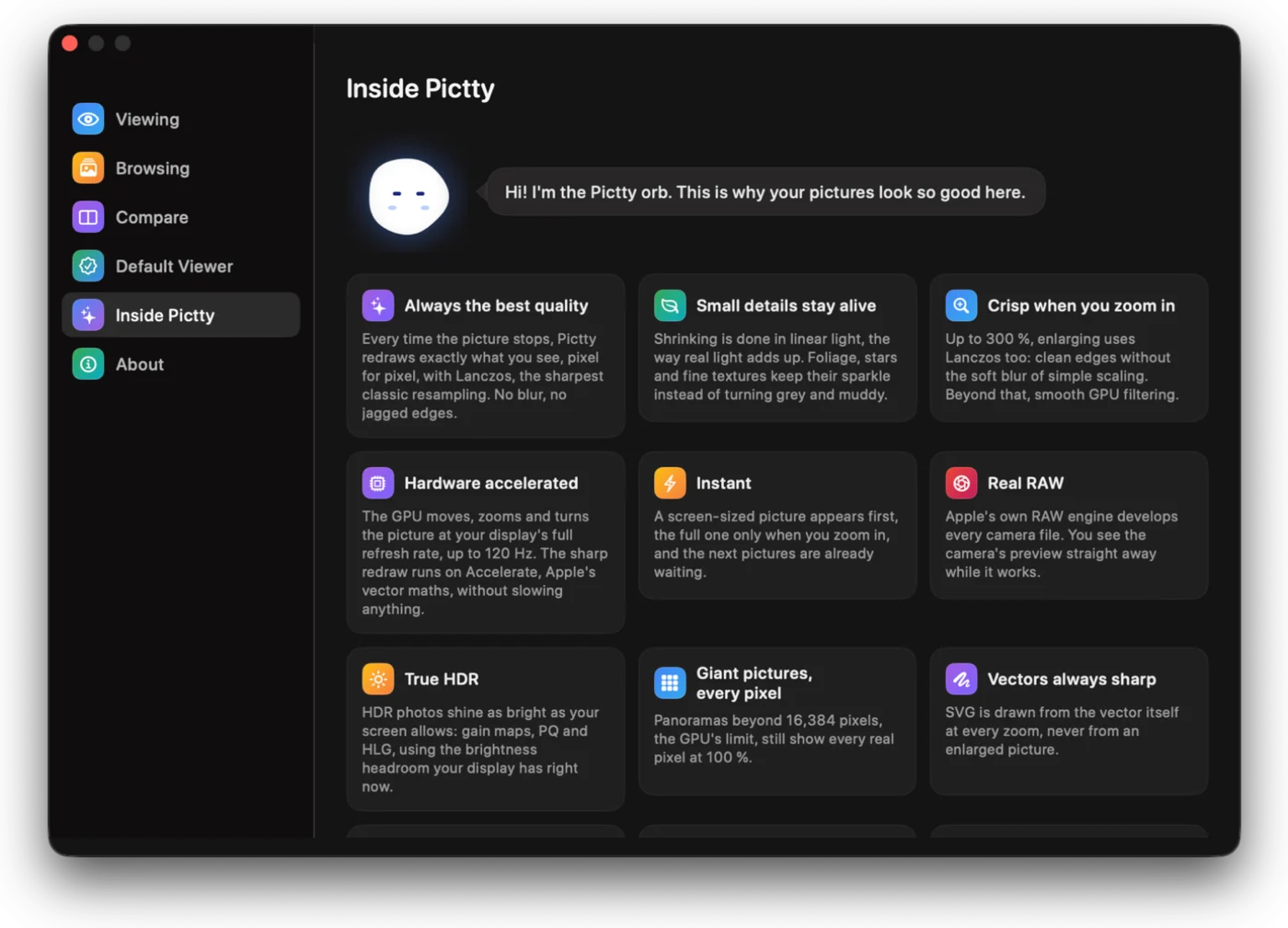
Pictty always draws your picture with the best possible algorithm: the GPU while it moves, Lanczos in linear light the moment it rests, pixel for pixel. It opens anything macOS can read, camera RAW and HDR included.
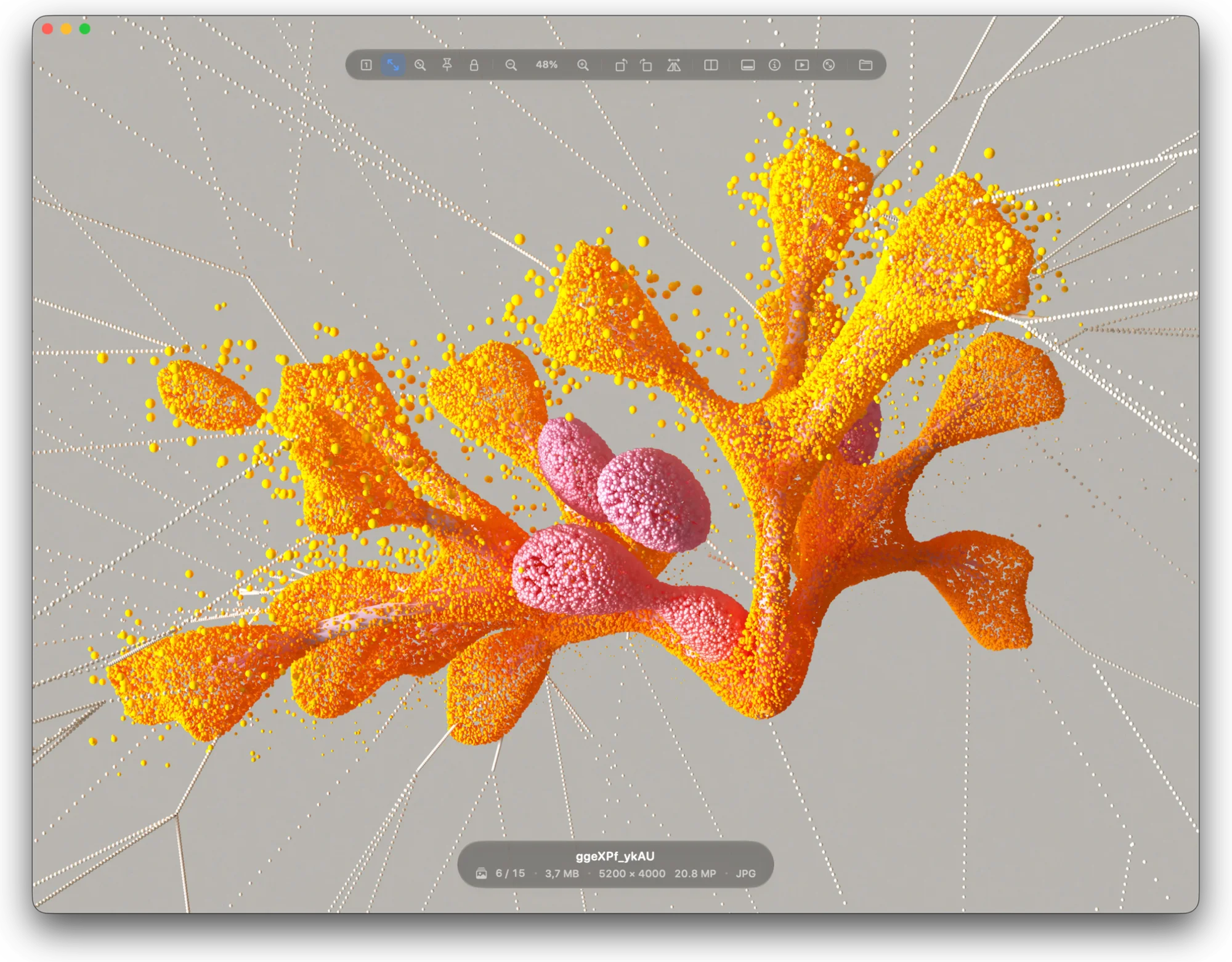
Sharp at every zoom.
Most viewers let the GPU scale the picture and stop there. That is fast, and it goes soft.
Pictty uses the GPU too, while you pinch and pan, at the full refresh rate of your display. The moment the picture rests, it redraws what you see with Lanczos: one picture pixel to one screen pixel, placed to a tenth of a pixel. Up to 300 % it enlarges with Lanczos as well, so edges stay clean.
Shrinking is done in linear light, the way light really adds up. Foliage, stars and fine texture keep their brightness instead of turning grey.
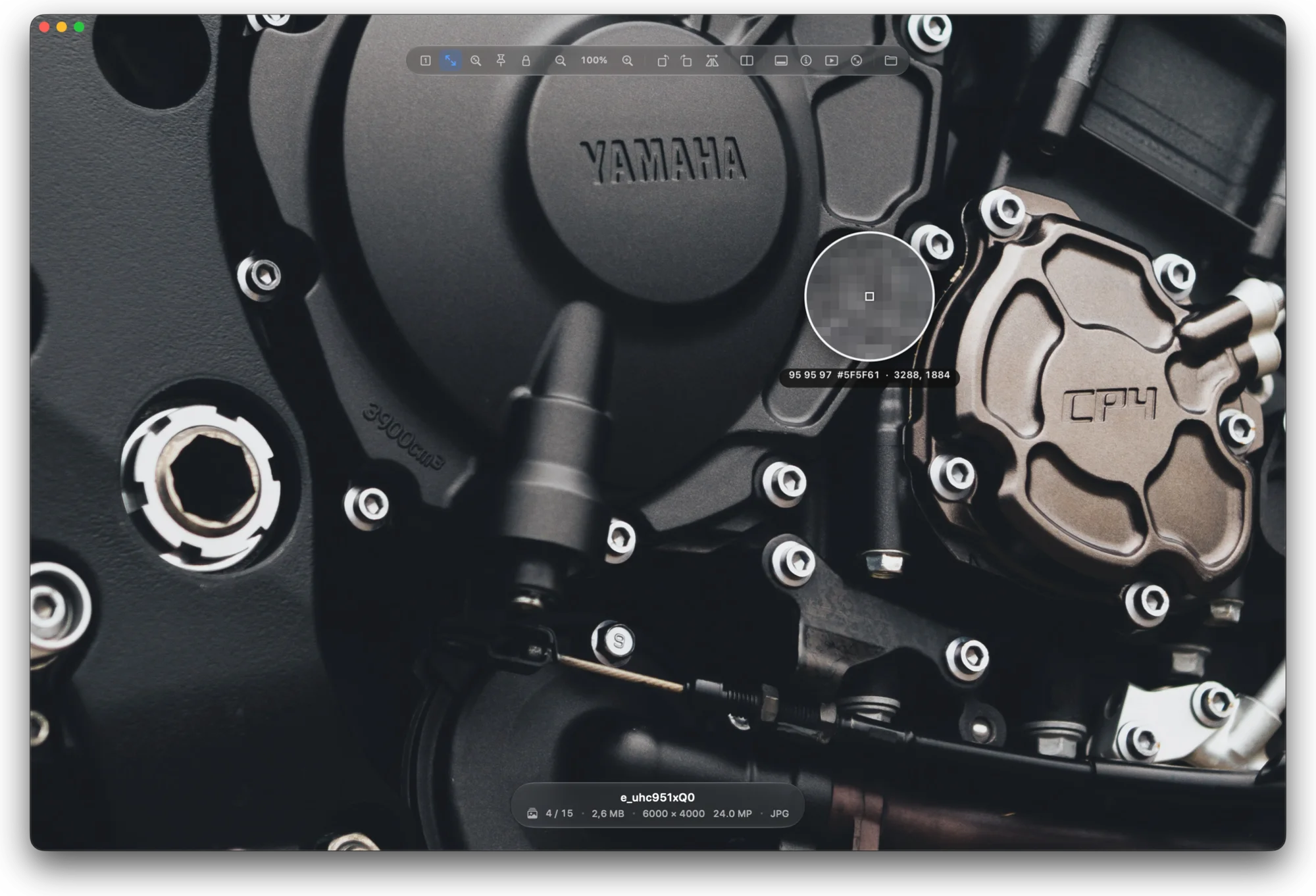
The engine, in short
What happens behind every picture you open.
- Quality from the first frame
- A high-quality preview, made for your screen with the best algorithms, comes first. It turns seamlessly into the full-resolution picture the moment the zoom needs it, and the next pictures are ready before you get to them. Hardware decoders where the format has them.
- Real RAW
- Apple’s own RAW engine develops every camera file. The camera’s preview shows at once, with a small RAW badge and the orb, while the real develop runs.
- True HDR
- Gain maps, PQ and HLG photos shine as bright as your display allows, using the headroom it has right now.
- Giant pictures
- Past the GPU’s 16,384-pixel limit, panoramas still show every real pixel at 100 % and beyond.
- Every format
- JPEG, HEIC, AVIF, JPEG XL, WebP, PNG, TIFF, GIF, OpenEXR, PSD, SVG and RAW from hundreds of cameras. SVG is drawn from the vector at every zoom, so it is never blurry.
- True colour
- Every picture is colour-managed for your display’s own profile. Transparency shows over black, glass or a checkerboard.
Look closer.
Hold ⌥ for a loupe with the exact pixel values and the hex colour. ⌥-click copies it.
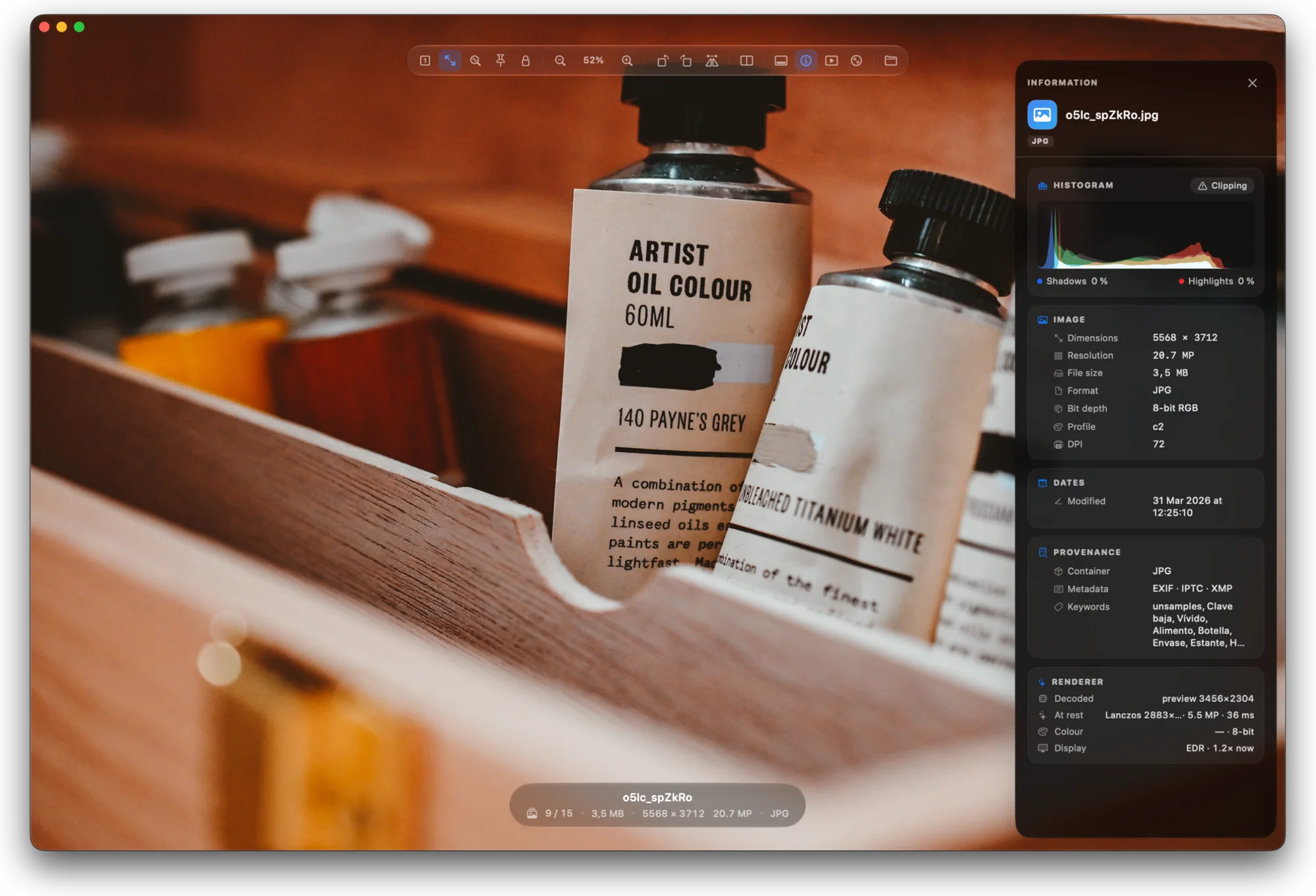
Press I for the information panel: a histogram, the camera and exposure, the size and colour profile, and where the file came from.
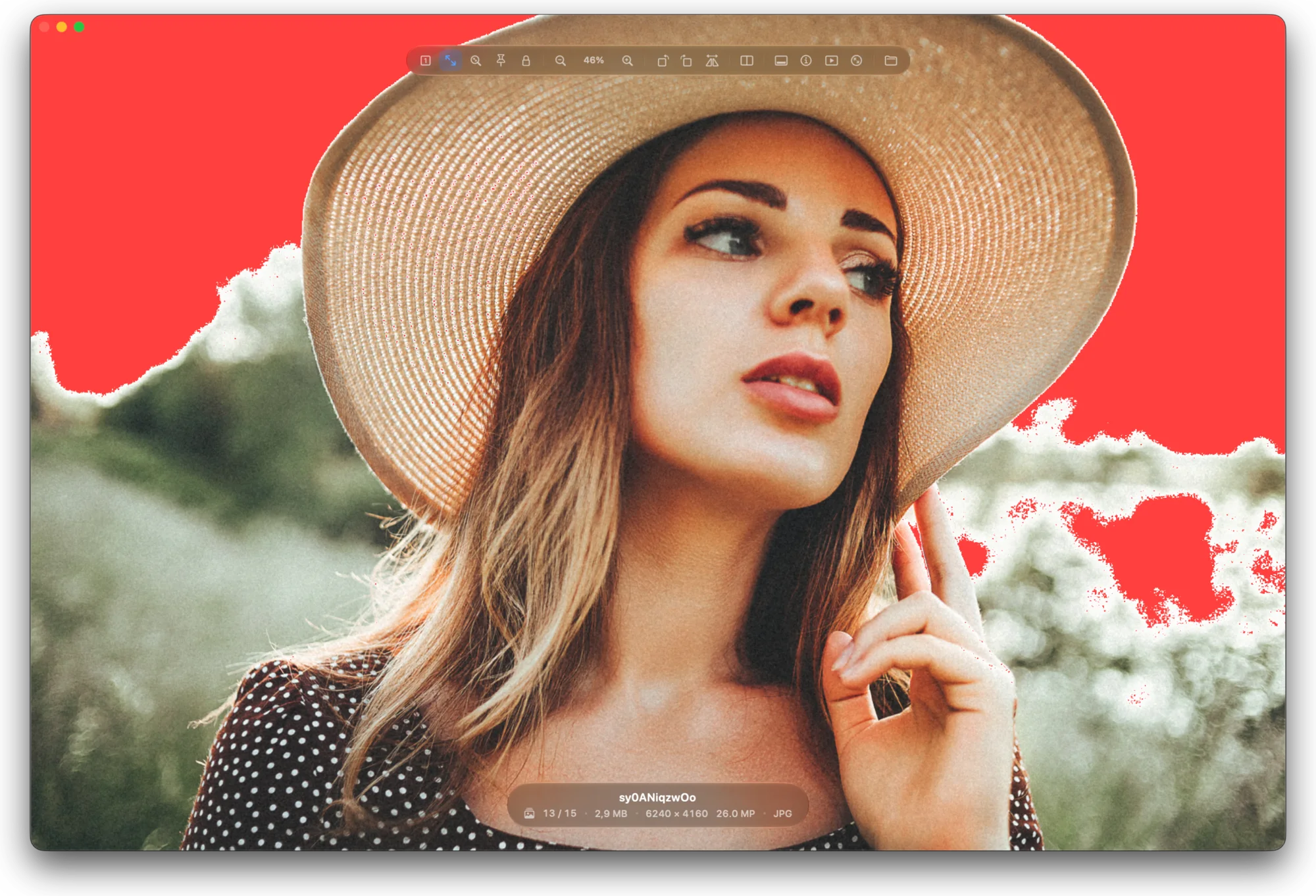
Blown? Blocked? You will see it.
Press J. Red marks highlights with no detail left, blue marks shadows that went to black.
Pictty counts a pixel as blown only when two of its channels are at the top, so a red sign at night or an orange street lamp is not a false alarm. Camera RAW files, which roll their highlights off below white, are measured where they really clip.
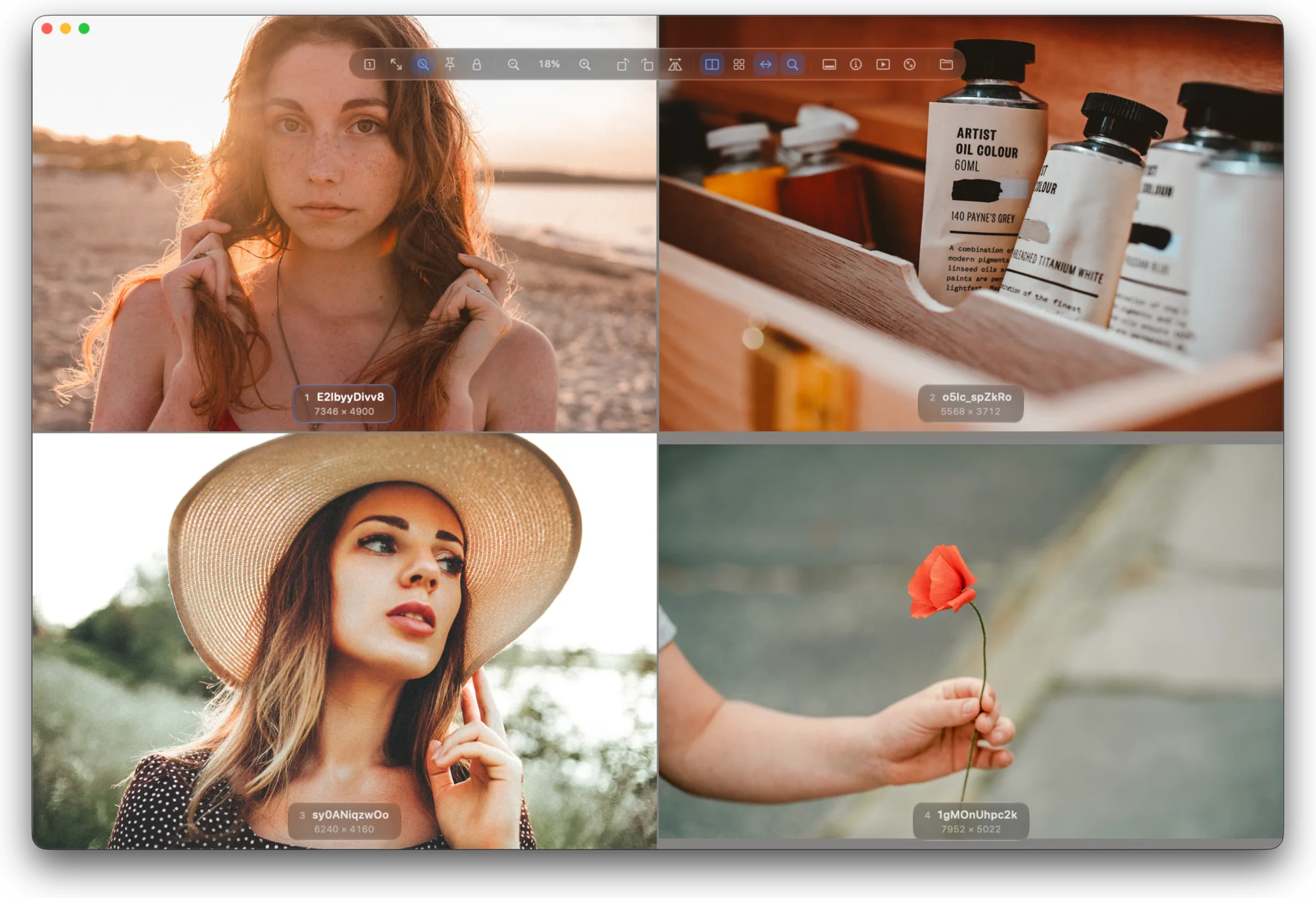
Side by side, up to four.
Put pictures side by side and look at the same detail in all of them at once.
Press D to add the next picture, and again to add more, up to four. Or ⌘-click the thumbnails you want. Side by side, stacked or in a grid.
Pan and zoom stay in sync: move one and they all move, matched by width, so the detail you are checking is in view in every pane. Press Tab to choose the pane the keys act on.
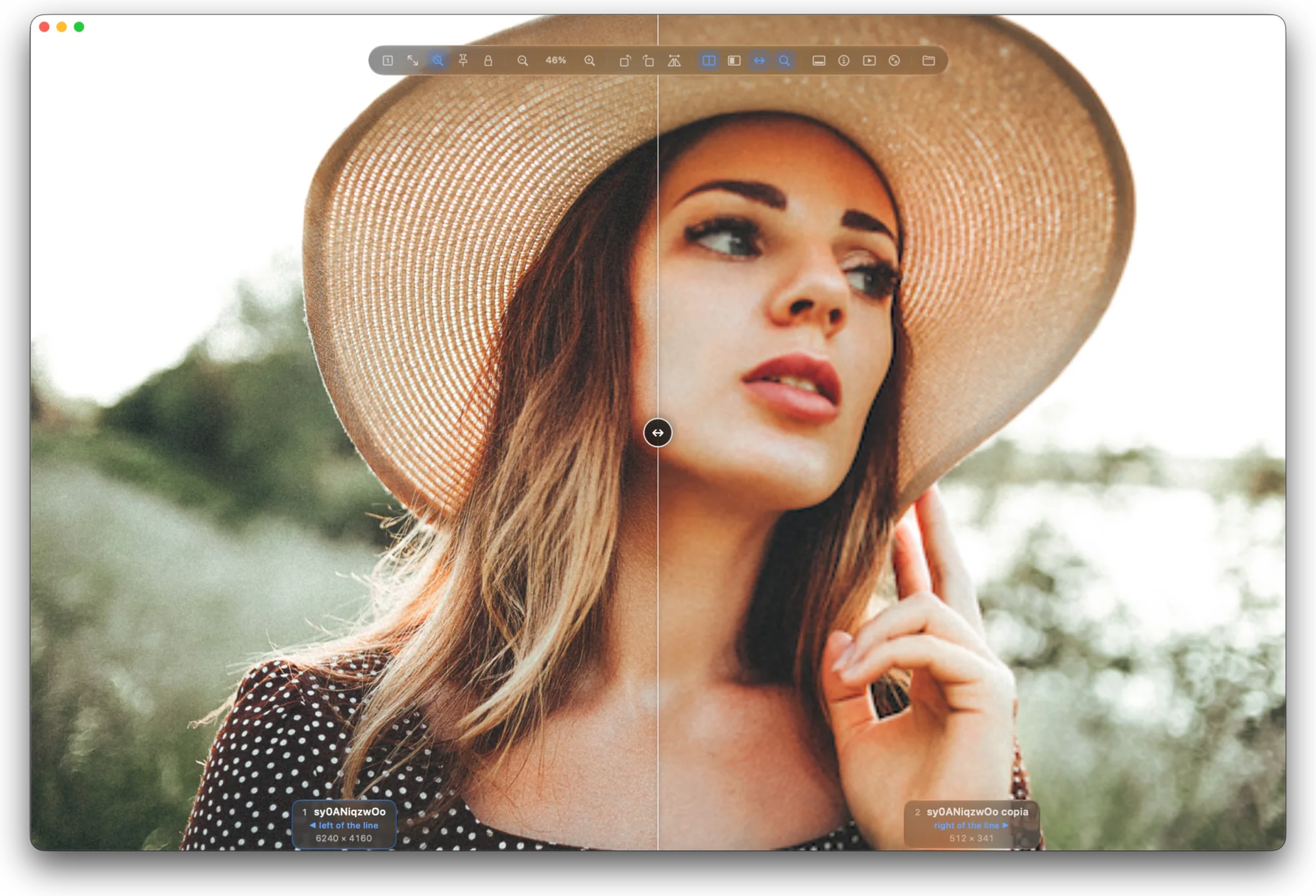
Wipe and blink.
Wipe lays one picture exactly over the other, and you drag the line between them: the best way to spot a one-pixel difference between two edits.
Blink shows one at a time. Press B to flip, and any change jumps out.
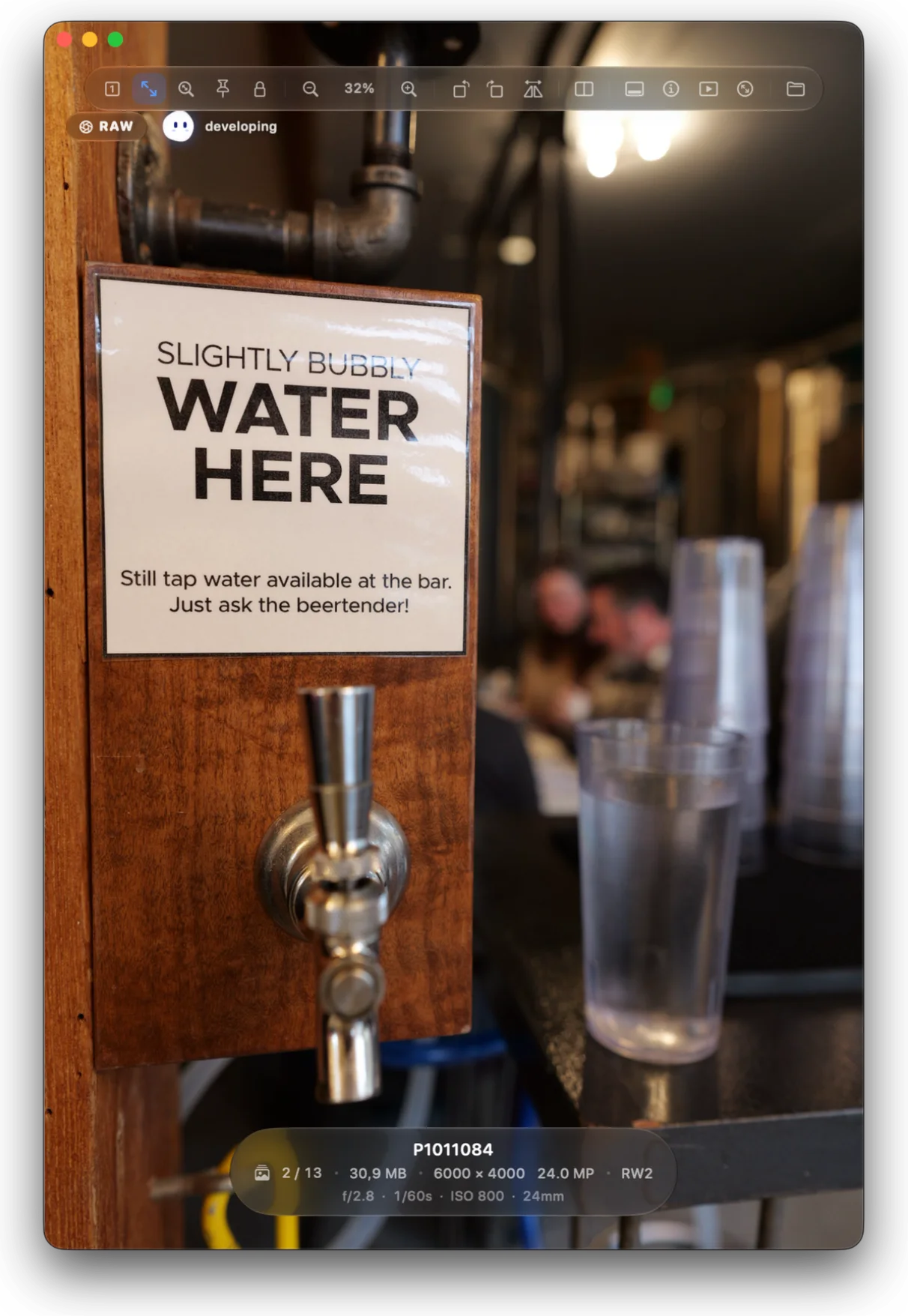
RAW, at once.
A camera RAW opens straight away with the preview the camera stored in it. A RAW badge and the orb float in the corner while Apple’s RAW engine develops the real picture, and it takes over the moment it is ready.
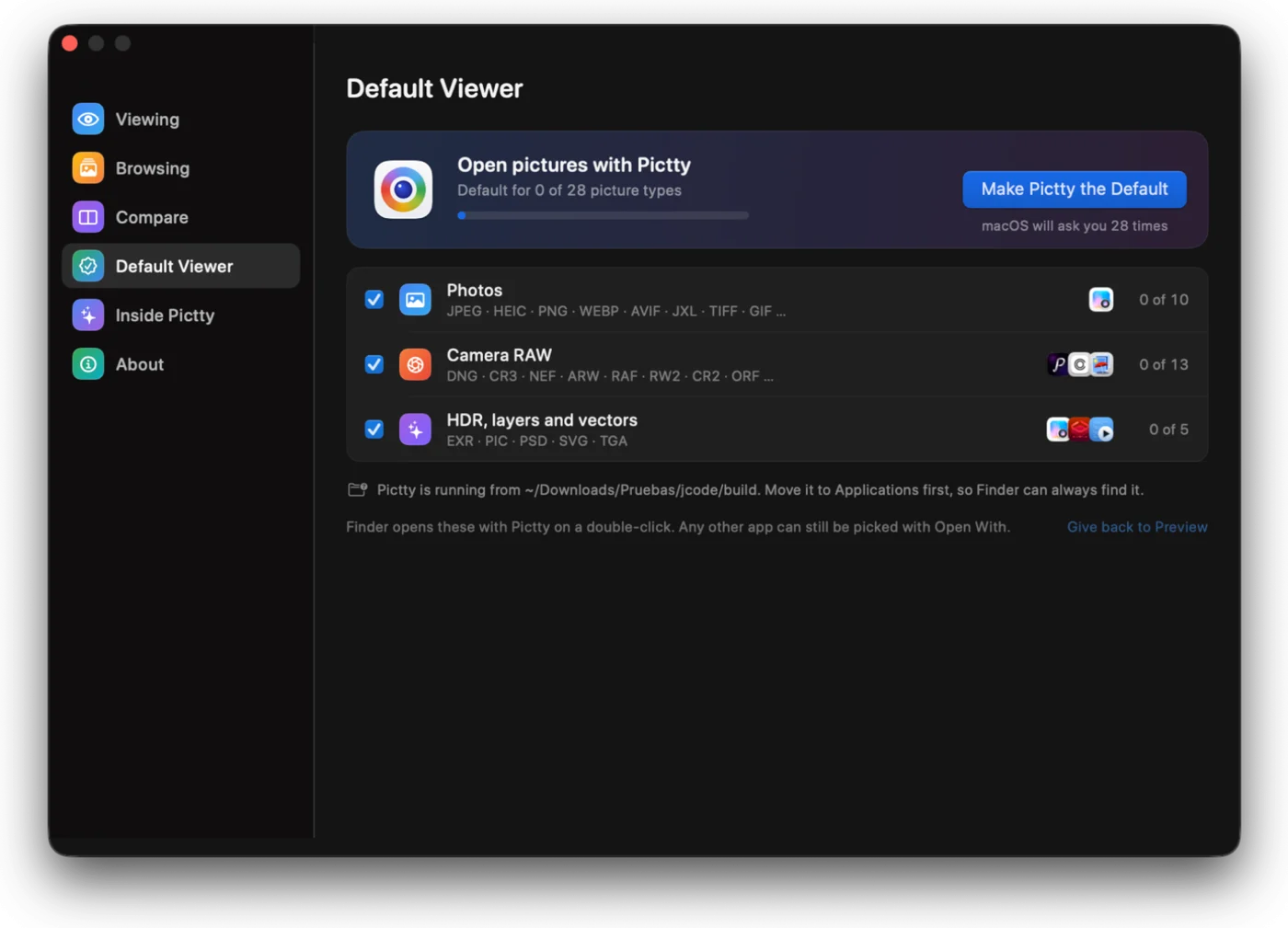
Opens from Finder.
Pictty can become the app that opens your pictures on a double-click. The orb offers it once; you pick the kinds of files, and macOS asks you to confirm each one.
A picture from a folder you already have open is selected in that window. A picture from another folder opens in a new window.
Meet the orb.
It shows up when a RAW is developing and when there is something to offer. In Settings › Inside Pictty it explains, in plain words, what the engine does with every picture.
The rest, in short
- Private
- No account, no analytics, no ads. Pictty makes no network connections; your pictures never leave your Mac. Read the privacy policy.
- Liquid Glass
- The toolbar, the filmstrip, the file pill and the panels float over the picture in macOS’s own glass, and get out of the way when you stop moving.
- Keyboard first
- Every action has a key. Press ? for the full list.
- Light on memory
- When macOS runs short of memory, Pictty frees everything it can decode again.
- English and Spanish
- Follows your Mac’s language, or pick one in Settings.
- Free and open source
- The code is on GitHub under the GPL-3.0 licence: read it, change it, share it.
Pictty for Mac
Version 1.0 · 3.4 MB · macOS 15+ · Liquid Glass. Questions: mcebrian (at) ik.me
Open the disk image and drag Pictty to Applications. Read the terms. Photos in the screenshots and video are from Unsplash.